
Streaming your favorite IPTV channels with TiviMate offers an incredible viewing experience, but nothing is more frustrating than encountering the TiviMate HttpDataSourceException error. This common issue can abruptly halt your streaming, leaving you with a frozen screen or constant buffering. If you are tired of interruptions, you are in the right place.
This guide will walk you through five proven steps to troubleshoot and permanently fix the TiviMate HttpDataSourceException error, ensuring you get back to seamless 4K streaming. We’ll cover everything from basic checks to advanced server solutions, making sure your TiviMate premium account runs flawlessly and provides the elite entertainment you deserve.
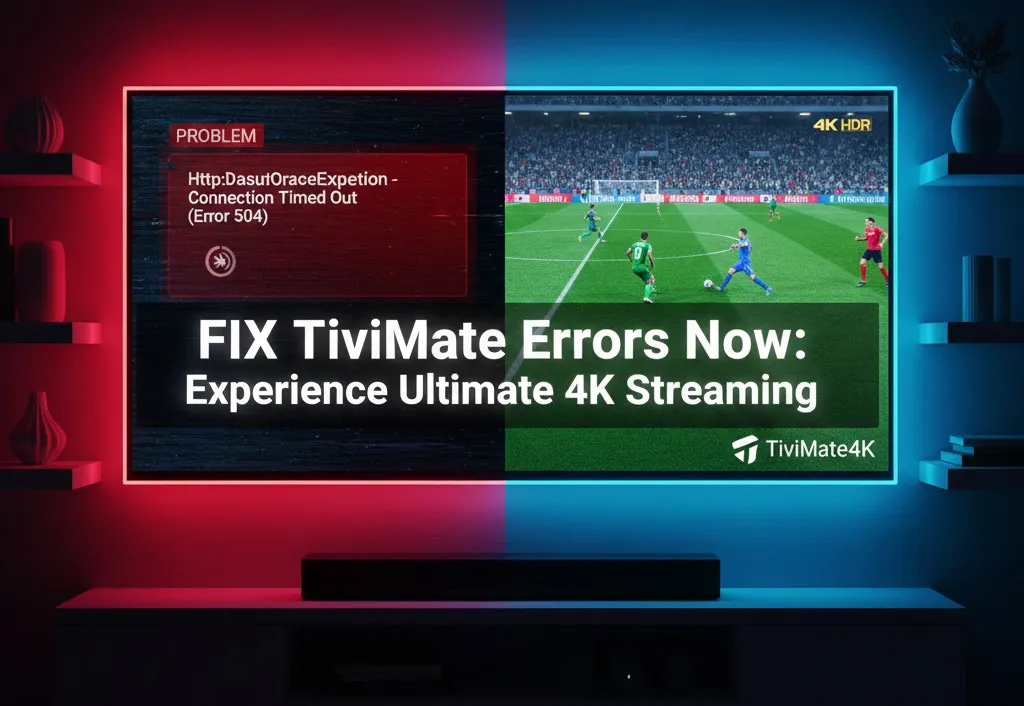
1. Understanding the TiviMate HttpDataSourceException Error
Before we dive into solutions, let's clarify what the TiviMate HttpDataSourceException error signifies. Essentially, this error means that TiviMate is having trouble establishing or maintaining a connection with your IPTV server to fetch the video data. It's like a broken bridge between your TiviMate app and the content you want to watch. This can happen for several technical reasons, and identifying the root cause is the first step to a permanent fix for your streaming setup.
- Poor internet connection: Your device simply cannot reach the server because of local network issues or ISP throttling.
- Overloaded IPTV server: The server itself is too busy or has reached its capacity, preventing it from sending data.
- Incorrect playlist URL: TiviMate is trying to connect to a non-existent address, often due to a typo or an expired link.
2. Basic Troubleshooting: Clear Cache and App Updates
Many technical issues, including the TiviMate HttpDataSourceException error, can be resolved with simple steps. These should always be your first course of action before moving on to more complex network changes.
To ensure you have the most stable and secure version of the app, always download the official TiviMate IPTV Player from the Google Play Store. Using the official version is the first step in preventing 4K streaming errors and ensuring compatibility with your premium IPTV playlist.
Clear TiviMate Cache and Data
- Go to your device Settings (Android TV or Firestick).
- Navigate to Apps > TiviMate.
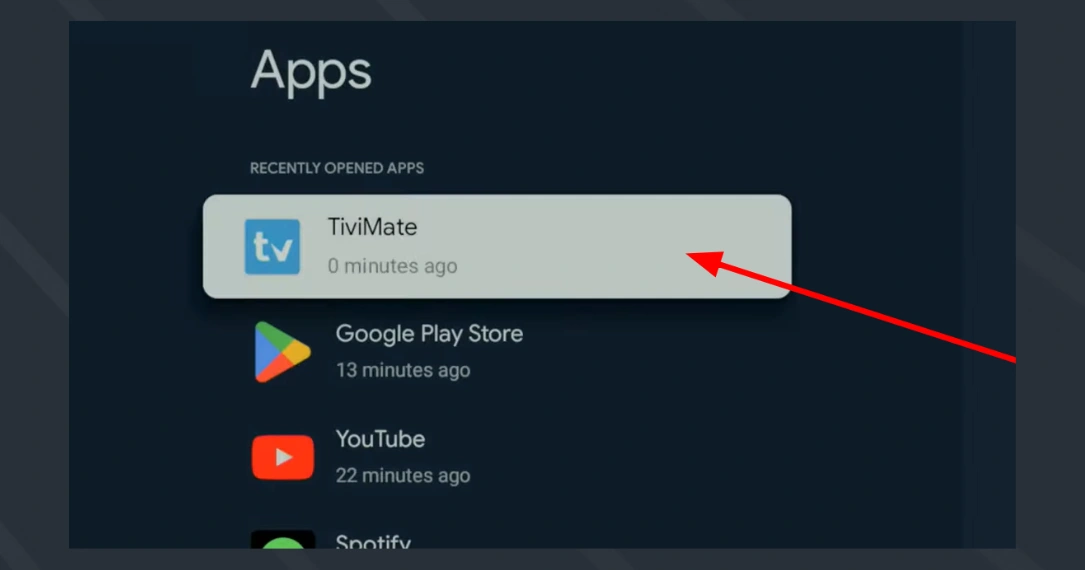
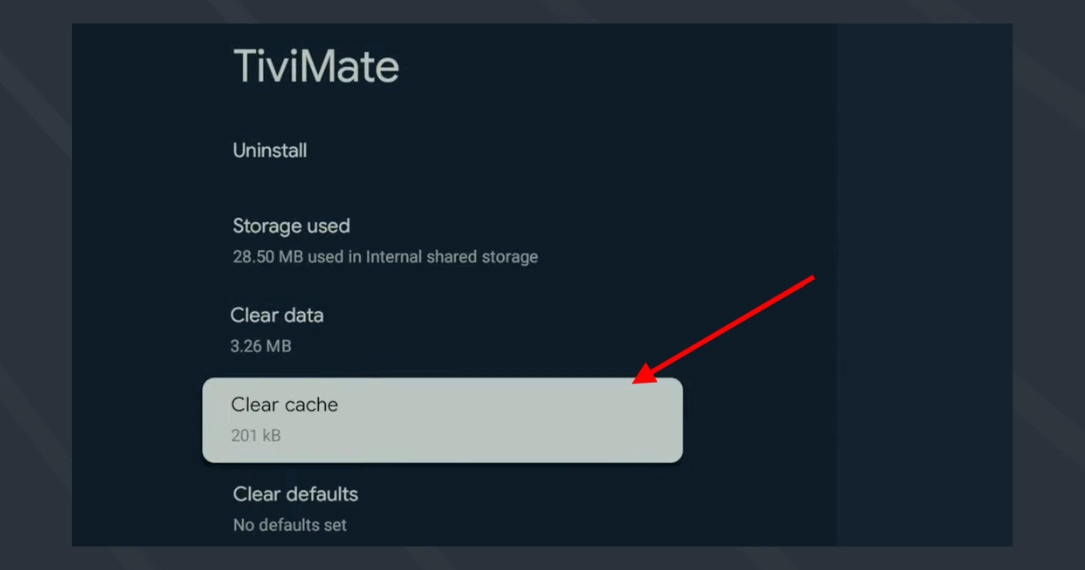
3. Select Clear cache to remove temporary files causing the conflict.
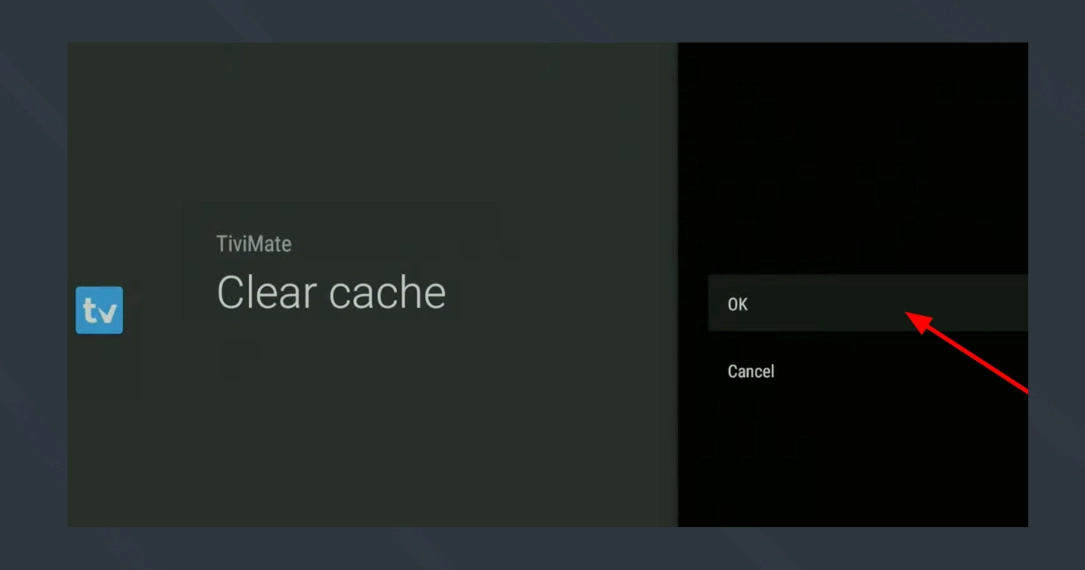
4. Press Okay to confirm. This will not delete your custom settings.
3. Advanced Solutions: Playlist Refresh and VPN Usage
Sometimes, the playlist URL itself can become unresponsive or temporarily blacklisted by your ISP. Refreshing your link or changing your virtual location is a key fix for the TiviMate HttpDataSourceException error.
In TiviMate, go to Settings > Playlists and choose Update playlist. This forces the app to reconnect. If that doesn't work, we highly recommend using a premium provider like TiviMate4K. Our servers are monitored 24/7 to prevent these types of errors. You can even start your 24-hour free trial today to see the difference.
4. Optimize Network for TiviMate Performance
An optimized network is crucial for preventing the TiviMate HttpDataSourceException error. Using a dedicated provider like TiviMate4K ensures you have the bandwidth required for true 4K streaming without interruption. For the best results, try connecting your device via an Ethernet cable rather than relying on Wi-Fi, which can be prone to interference and signal drops.
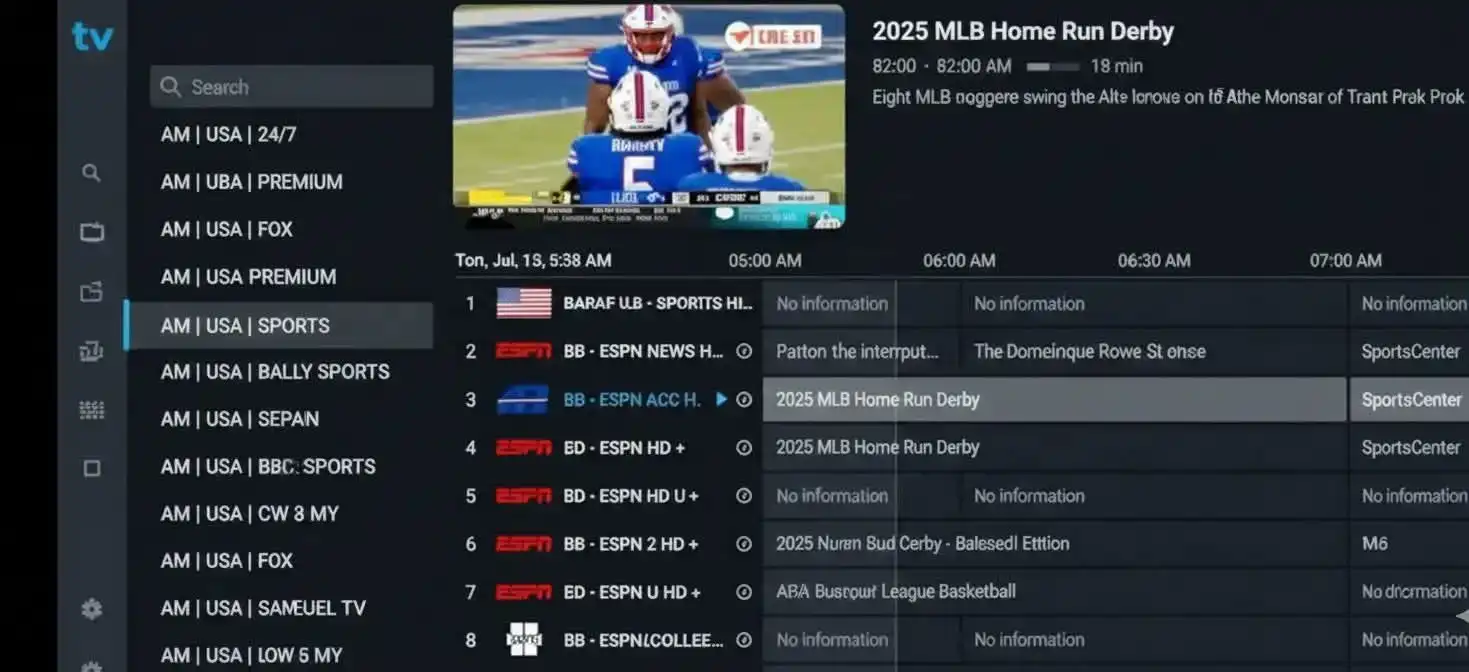
5. Get Professional Help Anytime
If you've tried everything and the TiviMate HttpDataSourceException error persists, reach out for professional help. At TiviMate4K, we offer 24/7 customer support to assist our subscribers with any technical hurdles. You can also follow our detailed installation guide for more expert technical tips and device-specific settings.
Frequently Asked Questions (FAQ)
What exactly is the TiviMate HttpDataSourceException error?
It is a connection error that occurs when the TiviMate app cannot pull data from the IPTV server. This is often caused by network timeouts, ISP interference, or outdated playlist links.
Can I fix this error without buying a new subscription?
Yes, often a simple cache clear or router restart will fix it. However, if the error is caused by an unreliable server from a low-quality provider, the only long-term fix is switching to a premium service like TiviMate4K.
Is it safe to clear data in TiviMate?
Clearing cache is safe. Clearing data will delete your playlists and custom settings, so make sure you have your M3U link or Xtream Codes saved before you do this.
Conclusion
Don't let buffering ruin your home cinema experience. By choosing a reliable service like TiviMate4K, you ensure that errors like TiviMate HttpDataSourceException become a thing of the past. Start your journey toward flawless streaming today!