The TiviMate vs Sparkle Player debate has reached a fever pitch in 2026. As streaming hardware like the Onn 4K Pro becomes more powerful, users are demanding more than just a simple playlist loader. While TiviMate has reigned as the undisputed king of IPTV interfaces for years, Sparkle Player has rapidly closed the gap by offering features that TiviMate users have requested for nearly half a decade—most notably, native local Timeshift and superior DVR reliability. This 1000-word deep dive will help you decide which player is the best IPTV player for 4K recording 2026.
User Interface: TiviMate vs Sparkle Player Design Philosophy
When you first launch these apps, the difference in design philosophy is striking. TiviMate is built to look and feel like a high-end European satellite box. It is buttery smooth, with a font and layout that feels premium on OLED screens. Its UI customization is second to none, allowing you to change everything from the transparency of the EPG to the specific color of the "current program" highlight.
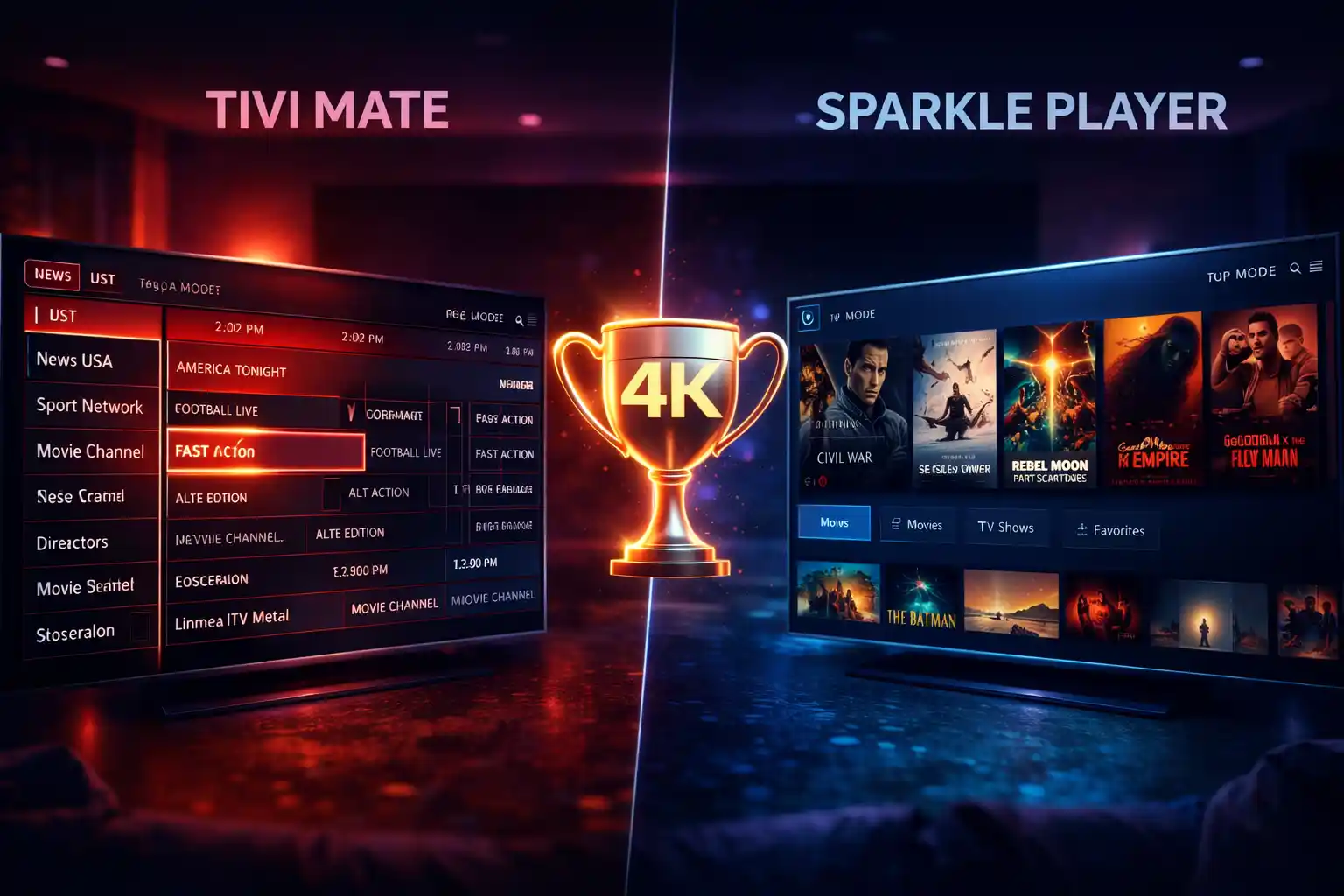
Sparkle Player historically struggled with a "dated" look, but the introduction of App Mode in version 2.3.0 has been a game-changer. Unlike the traditional "TV Mode" which can feel clunky, App Mode provides a modern, horizontally scrolling interface similar to Netflix or Disney+. For users performing an Onn 4K Pro TiviMate setup, Sparkle's App Mode is often more intuitive for family members who aren't tech-savvy.
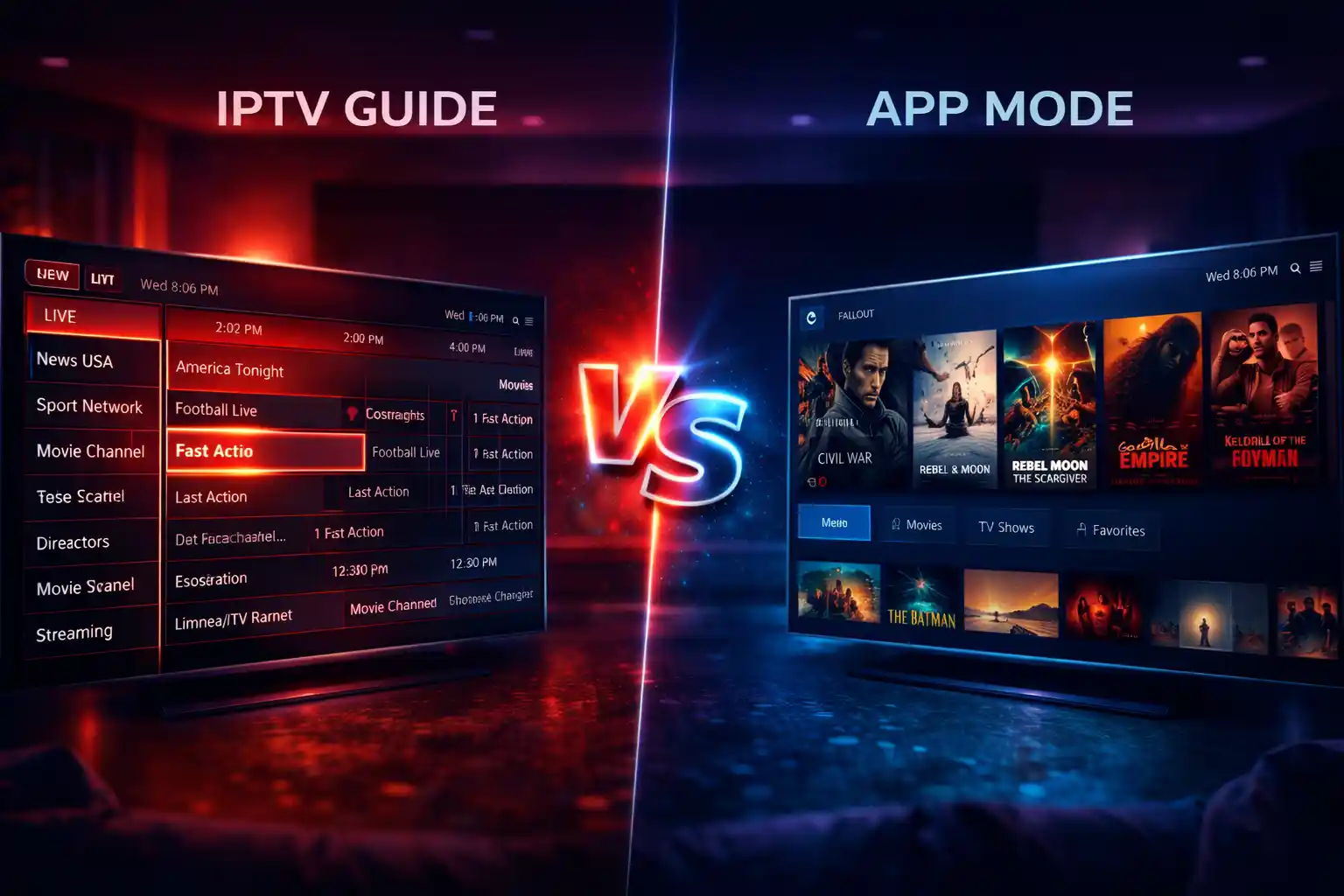
Comparing the traditional EPG of TiviMate with the modern App Mode in Sparkle Player
The Technical Edge: Sparkle Player Timeshift
The single biggest reason users switch from TiviMate to Sparkle Player in 2026 is Timeshift. Timeshift allows you to pause, rewind, and fast-forward live TV. In TiviMate, this feature is "non-existent" natively; it relies entirely on your IPTV provider's server-side Catch-up. If your provider doesn't support Catch-up, you simply cannot pause live TV in TiviMate.
Sparkle Player handles this locally. By connecting a high-speed USB 3.0 drive or an SSD to your device, Sparkle creates a local buffer. This makes Sparkle the TiviMate alternative for recording sports, as you can pause a live match, walk away, and resume exactly where you left off without relying on provider servers.
DVR Stability: TiviMate vs Sparkle Player Recording Tests
Recording live IPTV is notoriously difficult due to stream "glitches" or minor buffering. In TiviMate vs Sparkle Player DVR stability tests, Sparkle Player consistently pulls ahead. TiviMate’s recorder is sensitive; if the stream drops for even a second, the recording often terminates.
Sparkle Player’s internal engine is more resilient. It is designed to "re-tune" and reconnect during a buffer, often saving the recording where other players would fail. If you are serious about building a 24/7 DVR setup, Sparkle Player’s ability to record to a Network Attached Storage (NAS) via SMB2 or SMB3 is significantly more stable than TiviMate’s current implementation.
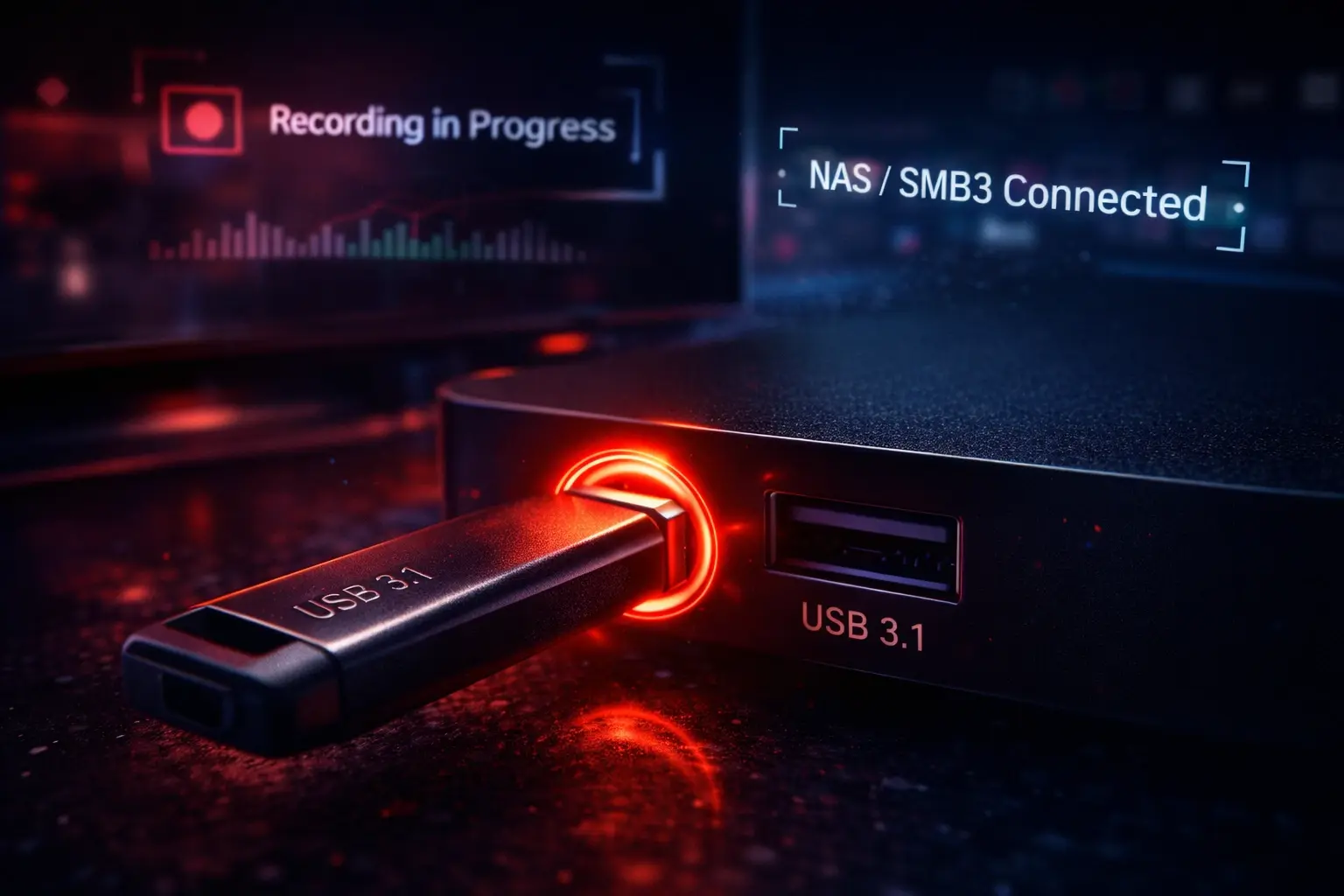
Setting up a local DVR path for stable 4K recording in Sparkle Player
Comparison Table: Features at a Glance (2026)
| Feature | TiviMate Premium | Sparkle Player Plus |
|---|---|---|
| Local Timeshift | No (Catch-up only) | Yes (Native) |
| Multi-View | Up to 9 Screens | Up to 4 Screens |
| Recording Stability | Moderate | High (Re-tune support) |
| UI Customization | Extreme | Moderate |
Multi-View: TiviMate Still Holds the Crown
For the ultimate sports fan, TiviMate premium is still the king of Multi-View. It allows you to watch up to 9 channels simultaneously on a single screen, provided your device (like the Nvidia Shield Pro) can handle it. TiviMate’s Multi-View is incredibly easy to manage—you can swap audio between screens with a single click and resize windows on the fly.
Sparkle Player’s Multi-View is newer and more hardware-intensive. It currently supports 4 screens, but users often report frame drops and higher CPU temperatures compared to TiviMate’s highly optimized engine. If your goal is to watch every NFL game at once, TiviMate is your only real choice.
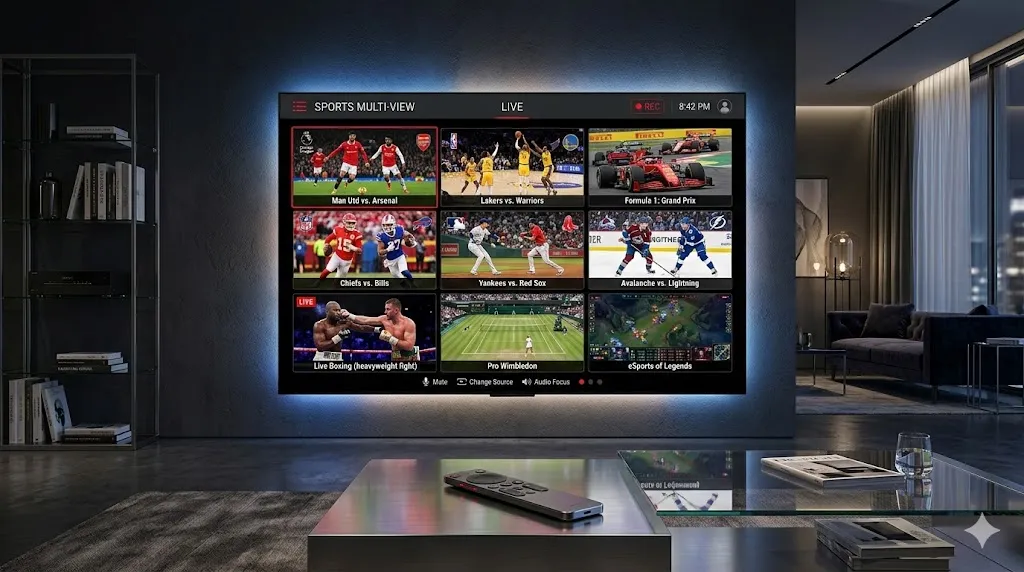
TiviMate's 9-screen Multi-View vs Sparkle's 4-screen layout
SEO Tip: Recording 4K streams requires massive storage bandwidth. If you're seeing "Recording Failed" errors, check our guide on the max size USB for TiviMate to ensure your drive isn't the bottleneck.
VOD and Catch-up: TiviMate vs Sparkle Player
In terms of Video on Demand (VOD), TiviMate premium vs Sparkle Player Plus shows two different paths. TiviMate treats VOD like a library, with a very clean poster-based interface and excellent metadata retrieval. Sparkle Player's VOD interface has improved, adding "Mark as Watched" and "Play Next" features in version 2.2.2, making it feel more like a modern streaming app.
Pricing: TiviMate vs Sparkle Player Cost Comparison
Pricing is the final hurdle in the TiviMate vs Sparkle Player choice.
- TiviMate: €33.99 for a lifetime sub (5 devices). It is the most expensive but is considered a "set it and forget it" professional tool.
- Sparkle Player: €21.99 for a lifetime sub (5 devices via Google Family Sharing). It is significantly cheaper and managed directly through the Google Play Store.
Final verdict on the best value IPTV player for 2026
Conclusion: The Verdict for 2026
If you want the absolute best UI and the highest number of Multi-View screens, TiviMate is still the clear winner. However, if you are a sports fan who needs local Timeshift to pause live games, or if you want the most reliable 4K recording experience, Sparkle Player has pulled ahead. Both apps are miles ahead of Smarters Pro or XCIPTV. For more 2026 setup guides, visit our TiviMate Guides & Tutorials on**TviMate4K.com** .