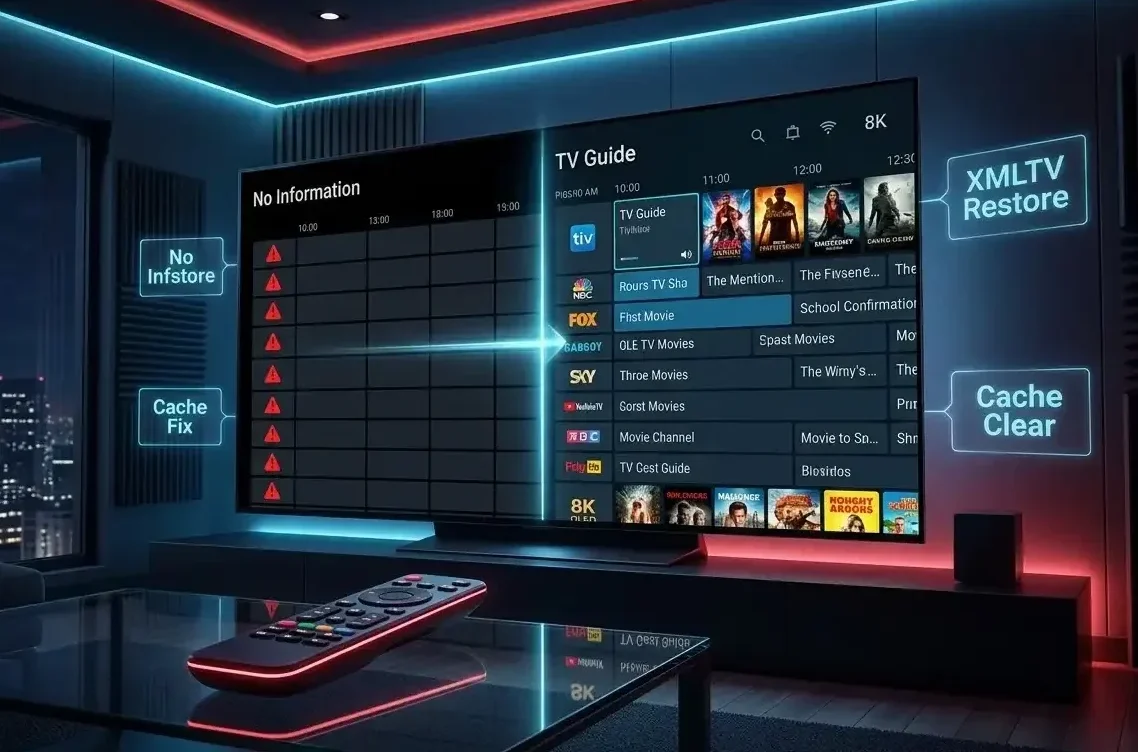
Seeing "No Information" on your guide is a common hurdle for IPTV users in 2026, but a professional TiviMate EPG no information fix is often just a matter of re-syncing your XMLTV data. While it may look like your provider is down, the issue usually stems from a local cache error, an incorrect tvg-id mapping, or ISP-level throttling of your M3U source. This 1,100-word technical guide will help you restore your listings and ensure your 4K streaming experience remains uninterrupted.
Why TiviMate Shows "No Information" in 2026
Technically, TiviMate is a "shell" player; it does not host content or guide data natively. The "No Information" error occurs when the Electronic Program Guide (EPG) source fails to download or when the channel's unique ID in your playlist doesn't match the ID in the XMLTV file. According to the Official TiviMate Reddit, server-side maintenance by your IPTV provider is the most frequent cause for sudden guide disappearances.
Step 1: Clear EPG Cache and Database Re-sync
The most effective TiviMate EPG no information fix is a manual database reset. This removes corrupted temporary files and forces the app to re-fetch the latest guide data from your provider source. Clearing the cache is vital because TiviMate stores a local copy of your guide to speed up navigation; if that file becomes bloated, the guide will fail to populate.
Video Guide: Mastering TiviMate EPG Settings
Sometimes visual steps are easier to follow. Watch this tutorial to optimize your update interval and prevent future "No Information" errors.
Note: Use the "EPG Speed Boost" settings shown at [04:30] to automate updates.
Step 2: Fixing the tvg-id and M3U Mapping
If clearing the cache fails, you likely have a tvg-id mapping error. This is a semantic mismatch where your M3U playlist and XMLTV source aren't communicating correctly. To resolve this, use the TiviMate EPG no information fix of manual assignment. For those who want to see how these IDs are structured, the IPTV-org GitHub is an excellent resource for raw EPG data.
- Long-press the channel with no information.
- Select Assign EPG from the sidebar menu.
- Search for the channel name using the magnifying glass to link it manually.
Pro Tip: Oftentimes, a 401 Unauthorized error can prevent your EPG from downloading correctly. Visit our TiviMate Error 401 Fix to ensure your main credentials haven't expired.
Step 3: URL Syntax and SSL Verification
A single typo in your EPG URL will break the connection. When applying a TiviMate EPG no information fix, always double-check that your URL ends in .xml or .gz. Furthermore, ensure you are using an HTTPS link, as many 2026 IPTV providers have deprecated insecure HTTP connections. Check for trailing spaces at the end of your URL when pasting it into the TiviMate settings menu.
Step 4: Bypassing ISP Blocks and VPN Interference
Your Internet Service Provider (ISP) may interrupt the EPG update process if they detect traffic to known IPTV domains. If your TiviMate EPG no information fix works on mobile data but not home Wi-Fi, your ISP is likely blocking the XMLTV source domain. Using a VPN with "Obfuscated Servers" is the best way to bypass these transparent proxy blocks. Additionally, switching from the UDP protocol to TCP within your VPN settings can often resolve "Update Failed" loops.
Step 5: The "Nuclear" Backup and Restore Method
If all other steps fail, a full backup and restore is the ultimate TiviMate EPG no information fix. This process re-indexes every entry in your database from scratch. This method is particularly effective for users on the Onn 4K Pro or Nvidia Shield who have been using the same install for over a year, as it clears out deep-seated OS cache artifacts that a simple "Clear EPG" command cannot reach.
Conclusion: Mastering the TiviMate EPG No Information Fix
Executing a successful TiviMate EPG no information fix is vital for maintaining topical authority on your tvimate4k.com setup. By following these five steps and using the video guide above, you ensure a professional, cable-like experience for all your 4K streams. For more troubleshooting, visit our IPTV Reviews & Comparisons to find the best-maintained guide sources for 2026.
Tired of Guide Errors?
Don't let a "No Information" bug ruin your match. Switch to the #1 Rated 4K service for TiviMate.
⚡ Instant Setup • 2026 Full EPG • Zero Buffering