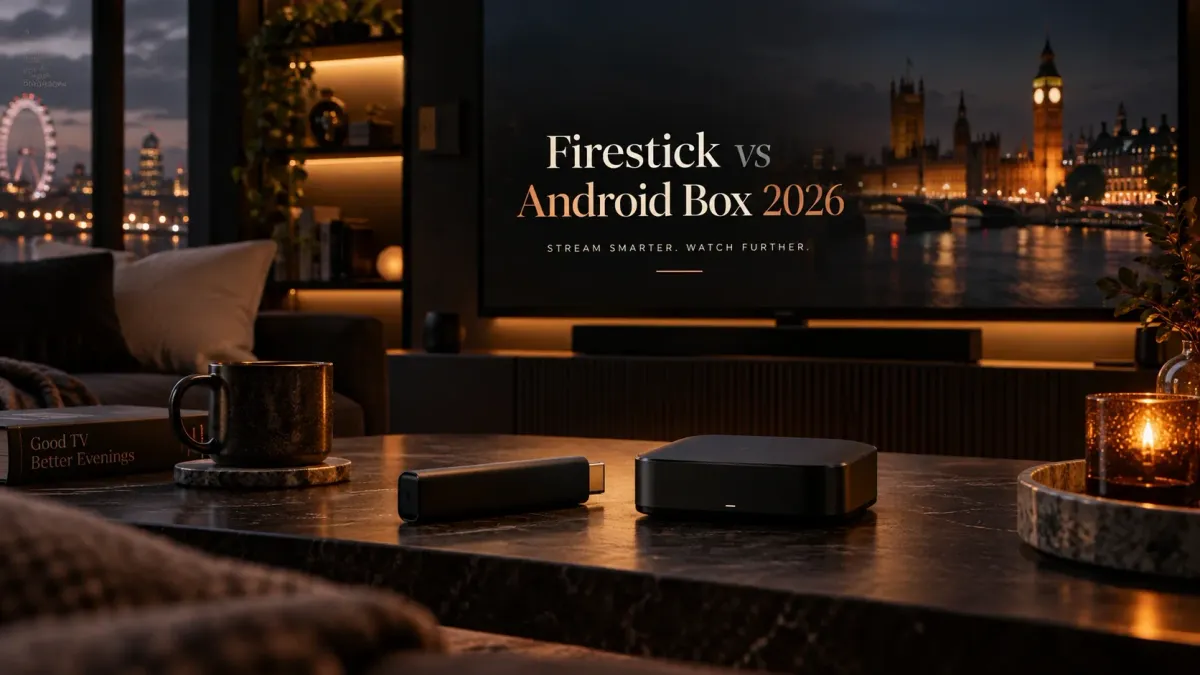
A Fire TV Stick and an Android TV box can both run television-focused streaming apps, but they solve different problems. The right choice depends on how much you value simplicity, app flexibility, storage, wired networking and expansion.
This article owns the comparison between the two device types. The permanent device pages remain the owners for setup, compatibility and box-specific detail.
Quick decision: choose the form factor that matches the job
Choose a Firestick when you want a compact, mainstream streaming device with a simple remote-first experience and modest setup requirements.
Choose a capable Android TV or Google TV box when you need more ports, storage flexibility, wired networking, heavier recording use or a broader device-management workflow.
Those are categories, not guarantees. Hardware varies dramatically inside both groups, so compare the exact model before buying.
Side-by-side framework
| Question | Firestick tends to suit | Android TV box tends to suit |
|---|---|---|
| Physical setup | Minimal HDMI-stick installation | Users comfortable with a separate box and cables |
| App discovery | Amazon Fire TV ecosystem | Google Play / Android TV ecosystem on certified devices |
| Ports and expansion | Usually limited on the stick itself | Often more USB, Ethernet or storage options depending on model |
| Recording-heavy use | Possible but storage can become the constraint | Potentially easier on hardware with more storage/ports |
| Portability | Very convenient | Depends on box size and power setup |
| Advanced home setup | Good for straightforward viewing | Often better when networking/storage expansion is central |
Platform difference: Fire TV is Android-derived, not identical to Android TV
Amazon documents Fire OS as based on the Android Open Source Project and designed for Android-app compatibility, but Fire TV uses Amazon’s ecosystem rather than the Google TV/Play Store experience.
Google TV and Android TV devices, by contrast, normally install supported apps through Google Play. This distinction matters because an app being available on one Android-based platform does not guarantee the same install path on another.
Why this matters for IPTV players
Check the current app route first. The permanent Apps & Players hub maps player choices across platforms, while this article stays focused on hardware trade-offs.
Firestick strengths
The Firestick category is strongest when you value a compact device, easy living-room use and a familiar streaming-first interface.
Small and portable
The stick form factor is convenient for secondary TVs, travel or users who do not want another visible box.
Remote-first by design
The entire environment is built for television navigation rather than touch or desktop input.
Good enough for many IPTV setups
If your use is mainly live TV and standard player features, a Firestick can be sufficient. Use the Firestick IPTV guide for the actual setup path.
Android TV box strengths
A good Android TV or Google TV box becomes more attractive as the setup grows beyond simple playback.
More hardware variation
Boxes range from basic streamers to higher-end devices with additional ports, storage and faster processors. Compare exact specifications rather than treating every “Android box” as equivalent.
Expansion can be easier
USB ports, Ethernet and storage options are more common on some box-style devices, which can matter for recording, large libraries or stable wired networking.
Better fit for a permanent media centre
If you are building a dedicated living-room setup rather than a compact stick installation, use the IPTV boxes guide to compare box categories and trade-offs.
Recording and storage: the overlooked difference
Recording makes device storage more important than marketing terms such as “4K”. A player can support recording while the device still lacks enough practical space for the way you use it.
If local recording or timeshift is a priority, check where the app writes data, whether external/network storage is supported, and how much storage remains after system updates and other apps.
Do not choose the device in isolation
Player capability matters too. Use Best IPTV Players & Apps UK 2026 for the current player comparison before deciding how much hardware expansion you really need.
Network stability: wired Ethernet can change the decision
Wi-Fi can be perfectly adequate, but a difficult room layout, interference or crowded network can make wired Ethernet valuable.
Some box devices include Ethernet; some sticks require an adapter or rely primarily on Wi-Fi. Check the exact model and your home network rather than assuming one device class is always faster.
If playback is already unstable
Diagnose the connection first with the IPTV troubleshooting guide. Buying new hardware before isolating the fault can waste money.
Who should choose which in 2026?
Use the simplest device that satisfies your actual requirements.
Choose a Firestick if
you want a compact TV device, straightforward remote use, modest storage needs and a simple streaming-first setup.
Choose an Android TV / Google TV box if
you need more ports, wired-network options, heavier local storage use or a more expandable permanent media setup.
Do not upgrade just for an IPTV label
Device marketing does not guarantee a better stream source. Compare the hardware in the Devices hub and keep provider/content questions separate.
FAQ
Is a Firestick better than an Android TV box for IPTV?
Neither category is universally better. Firesticks suit compact, straightforward setups; a capable Android TV or Google TV box can make more sense when storage, ports, Ethernet or expansion are important.
Do Android TV boxes have more IPTV apps than Firestick?
App availability differs by device, store, region and operating-system version. Android TV normally uses Google Play, while Fire TV uses Amazon’s ecosystem and may have different installation routes.
Which device is better for IPTV recording?
The better choice is the one that combines a recording-capable player with sufficient local, external or network storage. Box-style devices often provide more expansion options, but verify the exact model.
Should I replace my Firestick if IPTV buffers?
Not before troubleshooting. Buffering can come from Wi-Fi, the stream source, the player, device load or network congestion. Isolate the cause first.